This guide compares booking-engine software for agencies and OTAs, covering B2C versus B2B models, supplier links, real costs, and demo checks, along with where TravelBookingPanel fits. Its central point is simple: a booking form is not enough. The software must handle everything that happens after a booking is made. It has to let customers or agents look at live stock, see a final price, pay, and walk away with a confirmed reservation that staff can later manage. The best choice depends on what you sell, which suppliers you use, and whether the buyer is the public, agents, or both. TravelBookingPanel is presented here as a combined white-label option that brings together the engine, a branded site, agent and admin panels, and booking records, and you can see how that combination works in the white-label travel booking panel. For the wider market context, travel technology coverage regularly tracks how these platforms evolve.
Key takeaways
- A booking engine does six jobs: search, availability, pricing, payment, confirmation, and record. A form that only collects details is not an engine.
- Who presses "book" decides everything: B2C, B2B, or hybrid changes the accounts, pricing, and reporting you need.
- Judge software on its failure paths, price changes, timeouts, and failed payments, not on the happy-path demo.
- A supplier logo list is not coverage. Ask for the connection type, what it supports, and who maintains it.
- Price seven cost categories over one and three years. A one-time licence lowers one line, not the whole bill.
- TravelBookingPanel fits agencies that want a branded portal. A single hotel or a specialist tour operator needs different software.
What Online Booking Engine Software Actually Does
Beneath the interface, an engine performs a small set of tasks in a set order. Each task relies on a different outside system, so two products that look alike on a sales page can behave very differently when a supplier is slow or a price moves.
The six jobs of a booking engine — Search: look through connected supplier stock for flights, hotels, tours, transfers, and other products. Availability: check that the chosen result is still sellable at the moment of selection. Pricing and markup: apply the seller's margin, commission, or agent pricing rules to the supplier rate. Payment: take money through a payment gateway and record the result. Confirmation: pass the booking to the supplier and get a booking reference back. Booking record: save the reservation so staff can locate, change, cancel, and report on it. Flight interfaces illustrate this split clearly: a search produces offers, while a booking is later created as a separate order. Guidance on pricing an offer before payment exists because the final amount can vary with the payment method chosen, so skipping that step can leave the displayed price different from the amount actually charged.
Booking engine vs GDS vs supplier API vs reservation system vs travel portal — Booking engine: software for searching, pricing, accepting payment, and creating bookings, used by customers or agents making a purchase. GDS: a distribution network giving agents access to airline, hotel, and car content, used by agencies and OTAs sourcing stock. Supplier or NDC API: a direct technical link to an airline, hotel wholesaler, or other supplier, used by developers and platforms. Reservation or booking management system: the back-office system that stores and services bookings, used by operations and support staff. Travel portal: the branded website and panels that package the engine together with the layers above, used by agencies, OTAs, and their customers. IATA's NDC standard is an XML-based standard for airline-to-seller communication that any intermediary or IT provider can adopt, making NDC another route to airline content alongside a GDS, but neither is itself the selling engine. When you evaluate airline distribution content, keep that distinction in mind: distribution gets you the content, the engine turns it into a sale. TravelBookingPanel is positioned at the portal end: engine, customer site, admin and agent panels, and booking records come together, with supplier links added through its integrations.
How the pieces connect — Not every business needs every component. A business selling only to its own customers can omit the agent portal, while a business distributing to sub-agents cannot. Buy the pieces your sales model actually uses, and make sure the ones you skip can be added later if the model changes.
Which Online Booking Engine Fits Your Business Model?
Before comparing features, decide who will press the book button, because that choice changes the accounts, pricing, and reporting required.
B2C, B2B or both: the decision that shapes everything — B2C: members of the public see a retail price, pay by card at checkout, and use a customer account to view their bookings. B2B: agents or sub-agents log in, see pricing specific to them, may pay from a wallet or credit balance, and should see only their own clients' bookings. Hybrid: a public storefront and an agent portal share the same stock, common for agencies that also sell to smaller agents.
Different buyers, different questions — Travel agency owner: wants a branded website for online selling, so check whether it can launch under their brand with their pricing rules. Existing agency: wants fewer manual steps from enquiry to ticket, so check whether bookings and records can live in one place. OTA founder: wants a platform that scales across products, so check which products, suppliers, and currencies are supported. B2B operator: wants an agent-facing portal, so check agent accounts, markups, and wallet or credit controls. Tour operator: wants a way to sell trips, so check whether it matches their stock and booking workflow. Technical or operations lead: wants reliable connections, so check which APIs and servicing functions are supported and who maintains them.
Where TravelBookingPanel fits — Selling flights, hotels, tours, visas, or Umrah under your own brand: separate modules for flights, hotels, and tours, plus visa and Umrah, in one white-label platform, but confirm which modules and suppliers your plan covers. Running a customer-facing website: a branded B2C website, but confirm domain, branding, and payment setup. Giving agents their own login: a B2B agent portal, available from the Agency Pro plan upward, but confirm agent pricing, markup, and wallet needs. Owning the software rather than renting it: source-code ownership under a one-time licence, but confirm exactly what rights the licence includes. Plan scope changes over time, so confirm it on the TravelBookingPanel pricing page and in a live demo before deciding.
Where TravelBookingPanel is not the right fit — A single hotel selling direct bookings for its own rooms needs a property management system and channel manager, a different category, and the hotel booking system guide explains that difference. A tour operator needing guide scheduling, waivers, and real-time activity stock should consult the tour operator software comparison first, which is a separate guide. TravelBookingPanel is described as a general travel booking platform, not a specialist for those workflows.
What Happens Between "Search" and "Booking Confirmed"
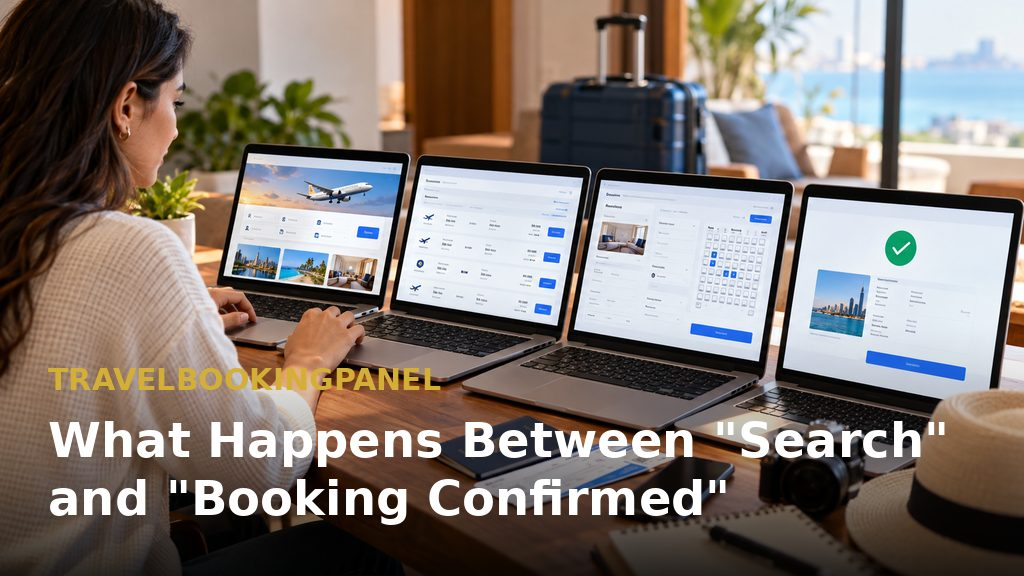
A demo shows the successful path. What distinguishes good booking-engine software from a simple booking form is how it behaves when something goes wrong.
Before and after: from manual coordination to one portal — Manual process: an enquiry comes by WhatsApp or email, an agent searches a supplier site or GDS, copies the price into a spreadsheet, adds a markup by hand, and sends a quote. Payment comes by bank transfer, passenger details are typed again into the supplier system, the voucher is emailed, and a row is added to a sheet. Each handoff risks error, and finding a booking's current status means checking several places. Centralised portal process: the same steps happen in one system, pricing rules apply the markup, passenger details are captured once, payment and supplier booking are linked, and staff see the record in one place. The article deliberately gives no percentage for time saved, because it would be invented. Useful measurements for your own baseline are minutes per booking, systems touched per reservation, manual record updates, and time spent finding a booking's status. Software cannot fix a badly designed process, it only makes a sound one easier to run, and centralised booking tools exist precisely to remove those handoffs.
Five places bookings break — Prices that change between search and payment: supplier rates move, and surcharges can depend on payment method, so re-price the selection before payment and show the customer the confirmed total, as Duffel's pricing guidance describes for flights. Rates that need re-checking: hotel stock behaves similarly, and Hotelbeds' documented workflow runs an availability search first, then a CheckRate call when a rate is flagged for re-checking, and only then the booking, so skipping the middle step risks confirming a rate that has already changed. Supplier timeouts and duplicate bookings: if a supplier does not respond, the engine needs a defined behaviour, retry, hold, or fail with a clear message, because without one, a customer clicking twice can end up with two bookings. Payment succeeds but the booking fails: money has been taken but no confirmation exists, so the engine should flag the booking for staff, show its exact state, and support a refund or rebooking without anyone searching email. Changes and cancellations after booking: the sale is only the start of the work, and amendments, cancellations, refunds, and re-issued vouchers need a visible status trail and a record of who did what. How each of these is handled depends on the supplier integration behind it, so check the flight and stays integration details alongside any demo.
Features to Look for in Online Booking Engine Software
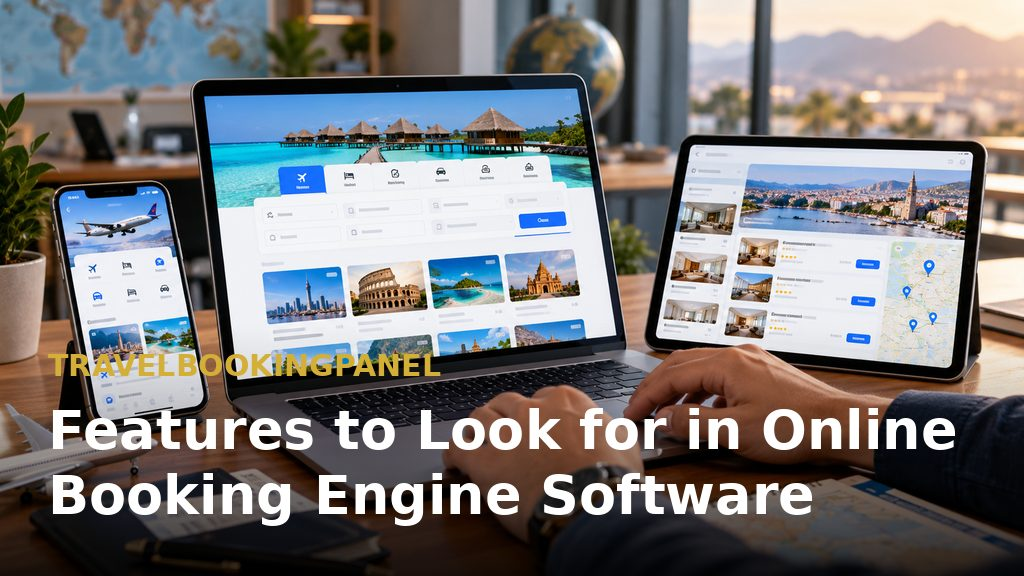
Six feature groups decide whether an engine will hold up in daily use. Test each one in a demo rather than accepting a feature list.
Supplier coverage and connection type — Ask which suppliers are connected, whether the link is GDS, NDC, direct API, or aggregator, and who maintains it when a supplier changes its API. A list of logos is not a coverage statement. AltexSoft's overview treats the commission engine, the search and booking flow, and GDS or NDC connectivity as separate components, which is a useful way to read a vendor's feature list: ask which parts are built in, which are configured, and which are custom work.
Pricing, markup and commission control — Check whether markups can be set by product, by agent, or by channel, and whether the customer-facing price and the agent price can differ. This is where margin is made or lost.
Booking management after the sale — Look for booking statuses, amendment and cancellation handling, vouchers or tickets, and a record that staff and agents can search.
Branding, customization and data ownership — Find out who owns the code, the customer data, and the booking history, what you can change yourself, and what happens if you leave.
Payments and security basics — Ask which payment gateways are supported, who handles card data, and what happens when a payment fails halfway through checkout. TravelBookingPanel lists its payment gateway integrations separately from supplier connections.
Using the features page as a checklist — The TravelBookingPanel features page lists modules and panels in one place. Use it as a checklist, then confirm each item in a demo.
Seeing the Workflow in Practice with TravelBookingPanel
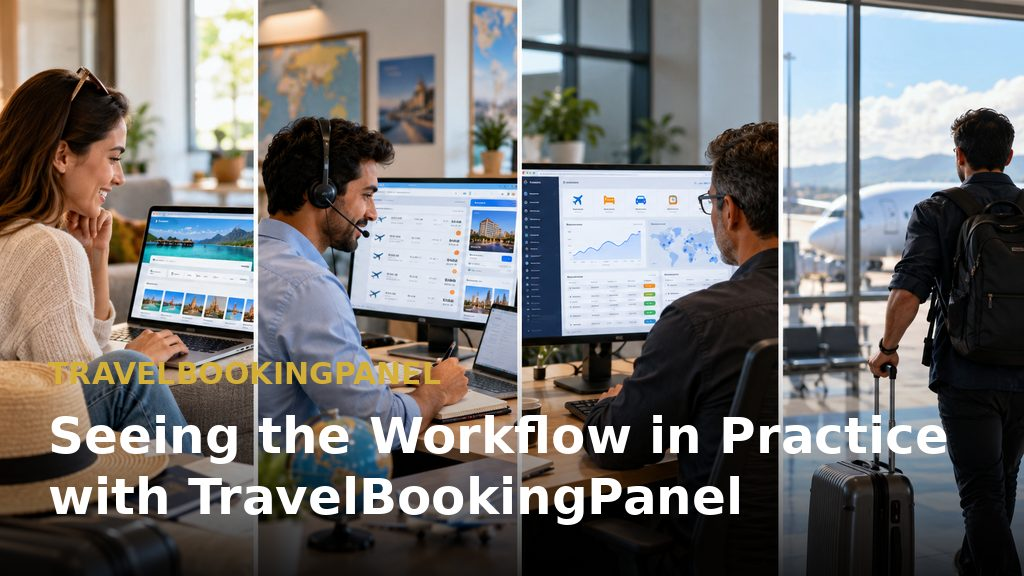
This section describes what TravelBookingPanel's own pages show, so you know what to look for in a demo.
Four panels, four jobs — Customer website: used by travellers, for search and booking under your brand. Customer panel: used by travellers after booking, to view and manage their bookings. Agent panel: used by agents and sub-agents, to book and manage on behalf of their clients. Admin panel: used by your team, to manage bookings, suppliers, pricing, and users.
What is standard, what is plan-dependent, what is supplier-dependent — B2C customer website: standard across plans. B2B agent portal, advanced markup control, multi-language, and multi-currency: plan-dependent, listed from Agency Pro upward at the time of writing. Live flight or hotel inventory: depends on the supplier integration and your supplier agreements. Payment methods available at checkout: depend on the payment gateway you connect. This distinction matters because platform support and having a feature live on your own account are different statements, so ask for both in writing.
When you need a supplier it does not already connect to — TravelBookingPanel's pre-built supplier catalogue is smaller than some alternatives, and the article states this openly rather than leaving it for a demo. If an agency works with a supplier or payment method not yet connected, the TravelBookingPanel team can add it as a separately scoped engineering project. Scope and timing are agreed per supplier, so raise this on the first call through the integrations page or a demo request, and you can request a demo from TravelBookingPanel to start that conversation.
What Online Booking Engine Software Really Costs
The licence or subscription price is only one line on a longer bill.
Seven cost categories to price separately — Licence or subscription, one-time or recurring. Setup: installation, branding, and configuration. Supplier fees: access fees, deposits, or minimum volumes, set by each supplier. Payment-gateway fees: charged by the gateway on each transaction. Transaction costs: any per-booking charge from the platform or a supplier. Support and maintenance: updates, hosting, fixes, and integration upkeep. Custom development: anything beyond the standard feature set.
Build vs SaaS vs source-code licence vs white-label — Build from scratch: you pay for developers, supplier integration, commission engine, and maintenance, and you carry time to launch and all integration upkeep. SaaS subscription: you pay a recurring fee, and you carry dependence on the vendor's roadmap and pricing. Source-code licence: you pay a one-time licence plus setup, and you carry hosting and any custom work. White-label platform: you pay licence or subscription plus branding setup, and you carry limits set by what the platform supports. Building is the most flexible route and the slowest. AltexSoft's description is cited as a reminder that a commission engine, supplier connectivity, and a search and booking flow are each real engineering work. TravelBookingPanel uses a one-time licence with source-code ownership rather than a recurring subscription. Payment-gateway and supplier fees still apply, so a one-time licence lowers one cost line and leaves the others. Plan details are on the pricing page.
How to compare total cost over one and three years — List each of the seven categories for year one and for year three, using your own quotes. Mark each figure as quoted or estimated. A simple one-year and three-year table with editable assumptions will show where a cheaper licence hides a more expensive year three. Do not use market averages you cannot source.
A Buyer's Checklist and Demo Questions
Use the checklist to score vendors, then use the demo questions to test the answers live.
The 12-point vendor evaluation checklist —
- Which suppliers are live today, and by what connection type?
- Who maintains each integration?
- How are markups and commissions configured?
- Can agents and customers see different prices?
- How is price re-checked before payment?
- What happens when a supplier times out?
- How are duplicate bookings prevented?
- Which payment gateways are supported?
- How are changes, cancellations, and refunds recorded?
- Who owns the code, customer data, and booking history?
- What support is included, and what is extra?
- What are the exit terms?
Ten questions to ask in any demo — Show a booking where the price changed after search. Show a failed payment and what staff see. Show an agent's view compared with an admin's. Show how a markup is changed and where it applies. Show a cancelled booking and its history. Which of these features need a higher plan? Which depend on a supplier agreement I must arrange? What does adding a new supplier involve? What do I pay besides the licence? What happens to my data if I leave?
Choosing Online Booking Engine Software for Your Travel Business

The right software matches the way you sell: it connects to the suppliers you actually use, applies your pricing rules, and keeps every booking visible after the sale. Compare options on what happens when things go wrong, not only on the successful path. TravelBookingPanel is presented as providing a travel portal with a ready-made website, booking management and tracking, and reporting. Supplier integrations and available workflows should be confirmed against your specific requirements. If you are still deciding which category of software fits your business, the software for travel agencies guide covers that decision first. When you are ready, request a demo and bring a supplier list, a sales model, and a launch plan.